Export
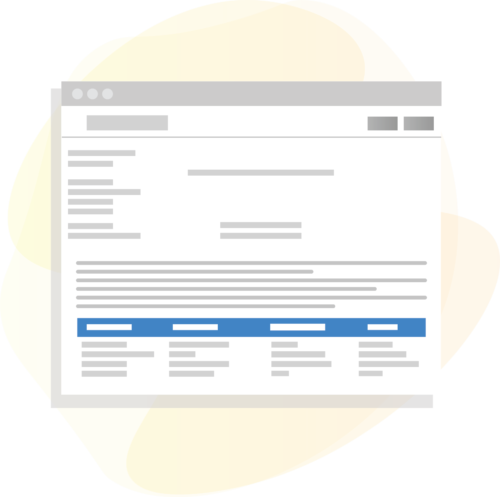
Export the section syllabus as a PDF file for later use by faculty or students.
Curriculum Integration
Generate a unique syllabus for each course section with information from eCurriculum.
Course Outline
eMedley will generate a course outline based on session events in the Curriculum Calendar.
Course Objectives
Align objectives to courses so that they appear in the section syllabus.
Export
Export the section syllabus as a PDF file for later use by faculty or students.
Curriculum Integration
Generate a unique syllabus for each course section with information from eCurriculum.
Course Outline
eMedley will generate a course outline based on session events in the Curriculum Calendar.
Course Objectives
Align objectives to courses so that they appear in the section syllabus.
Step 1: Create Courses and Sections
Create courses in eCurriculum, as well their sections, session events, and other information you want to include in your syllabus.
Step 2: Alignments
Align courses, course objectives, and sessions to standards and competencies.
Step 3: Generate a Syllabus
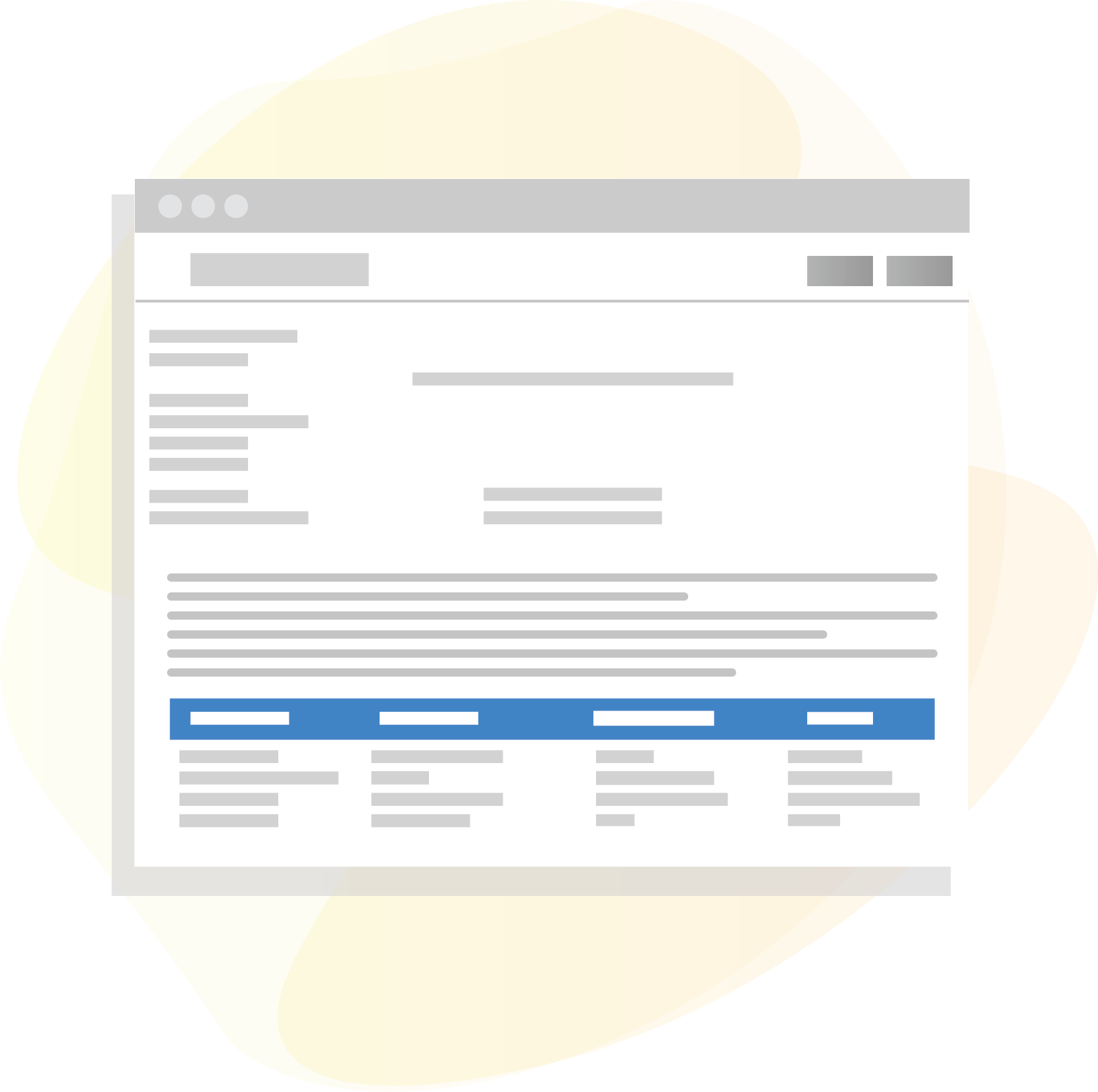
Generate a section’s syllabus with the Course Syllabus report. From here, you can export the syllabus as a PDF.
Step 1: Create Courses and Sections
Create courses in eCurriculum, as well their sections, session events, and other information you want to include in your syllabus.
Step 2: Alignments
Align courses, course objectives, and sessions to standards and competencies.
Step 3: Generate a Syllabus
Generate a section’s syllabus with the Course Syllabus report. From here, you can export the syllabus as a PDF.
This solution is customized per implementation based on the unique needs of each program/University. Our implementation team will work closely with the program to identify the specific requirements to ensure that the configuration of this functionality is as efficient and cost effective as possible.