Features
Submission Report
See submission data organized by assignment, section, grader, student, or date.
Case Graders
Assign multiple faculty members to grade cases to balance workloads.
Custom Rubrics
Our development team can work with your program to develop custom grading rubrics.
Notifications
Case graders will receive notifications when their assigned learners submit their case study response.
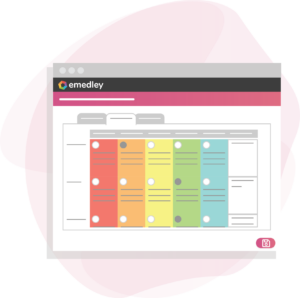
Rubric History
If a response was resubmitted, previous rubrics can be viewed in the rubric history tab.
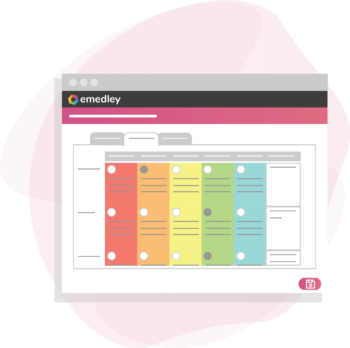
Submission Report
See Submission data organized by assignment, section, grader, student, or date.
Rubric History
If a response was resubmitted, previous rubrics can be viewed in the rubric history tab.
Custom Rubrics
Our development team can work with your program to develop custom grading rubrics.
Case Graders
Assign multiple faculty members to grade cases to balance workloads
Notifications
Case graders will receive notifications when their assigned learners submit their case study response.
Process
Step 1: Create an Assignment
Create a case study and assign graders to it. Each grader will receive an equal number of case studies to grade. Specify which rubric should be used for grading.
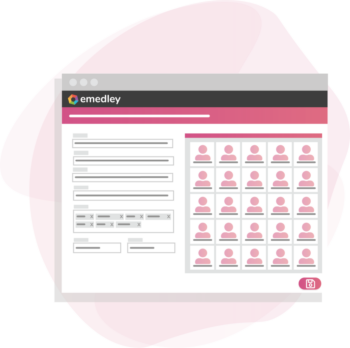
Step 2: Submit Case Studies
When learners complete their responses and submit them, their assigned grader will receive a notification.
Step 3: Grade Case Studies
Graders can click on the notification to grade their assigned case studies with the pre-defined rubric and view already filled out rubrics from re-submitted cases.
Process
Step 1: Create an Assignment
Create a case study and assign graders to it. Each grader will receive an equal number of case studies to grade. Specify which rubric should be used for grading.
Step 2: Submit Case Studies
When learners complete their responses and submit them, their assigned grader will receive a notification.
Step 3: Grade Case Studies
Graders can click on the notification to grade their assigned case studies with the pre-defined rubric and view already filled out rubrics from re-submitted cases.
This solution is customized per implementation based on the unique needs of each program and university.
Our implementation team will collaborate closely with program administrators to pinpoint specific requirements, ensuring that the functionality is configured for optimal efficiency and cost-effectiveness.